Invoicing - Professional Invoices in Seconds
Create and track grooming invoices without paperwork. Tax calculated automatically, PDFs ready to email, payments easy to follow.
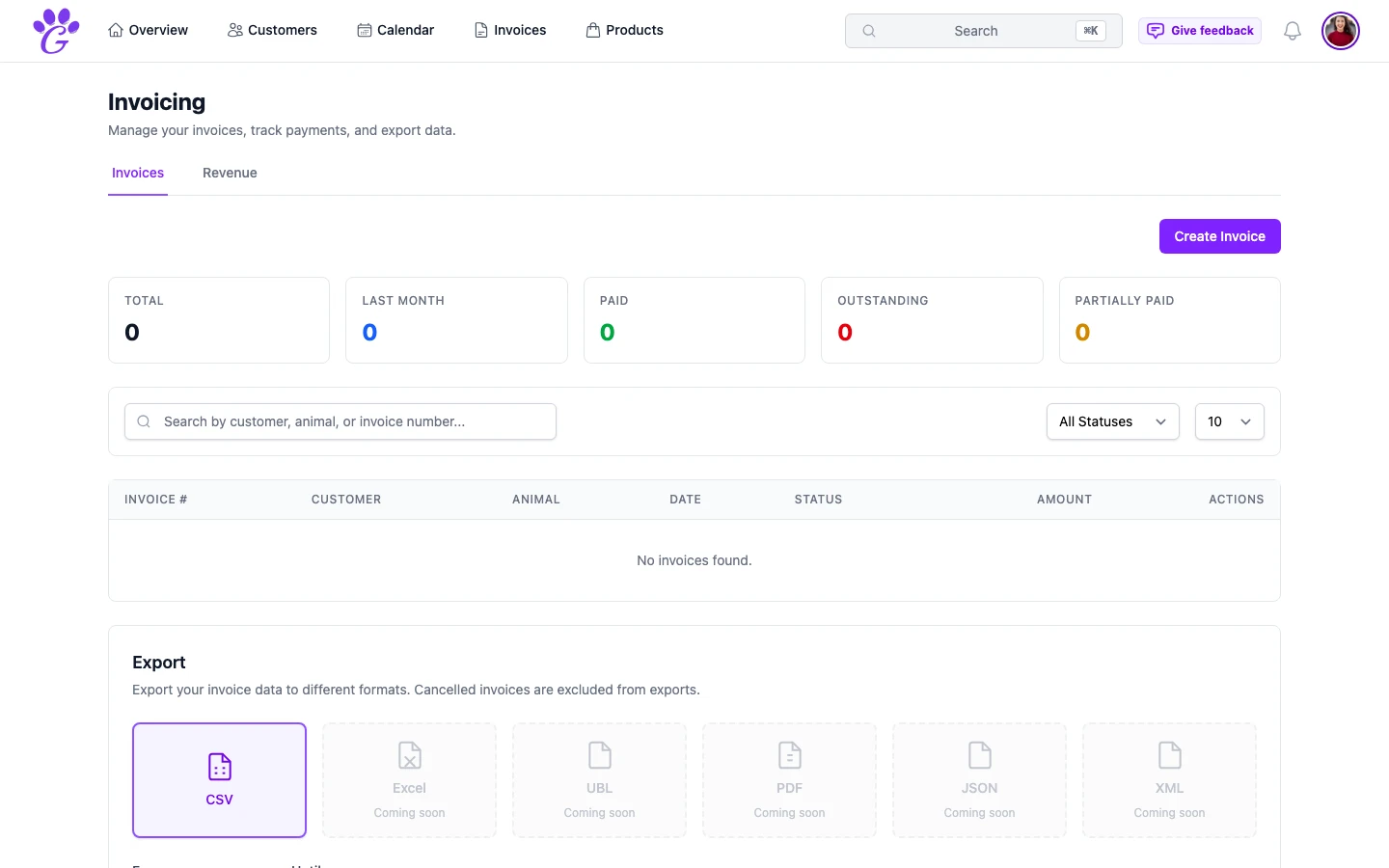
A typical handwritten grooming invoice is a scribbled note on a carbon pad, a half-legible total, no VAT breakdown, no record kept. It works, until a client queries the price three weeks later, or your accountant asks for the quarter's totals. Suddenly that stack of pink slips is a long evening you didn't plan for.
Digital invoicing doesn't just look more professional. It removes the entire category of "where did I put that one?" from your life. Every invoice is created in seconds, stored forever, and ready to email before the dog is even out of the door.
What is invoicing in GroomSome?
Invoicing in GroomSome is the full path from appointment to paid: line items, tax, totals, PDF, status tracking, and revenue reporting, all in one place. You can create an invoice from an appointment in a couple of clicks, or build one from scratch for a walk-in or a product sale.
Each invoice links back to the customer, the pet, and the appointment, so the context is never lost. When a client asks "what did you charge me for last time?", the answer is one search away.
Why digital invoicing matters for groomers
Handwritten invoices are one of the last places a growing salon still loses time and money. Moving that one piece online has an outsized effect on the rest of the business.
- No maths errors. Every line adds itself. Tax rates apply automatically. The grand total is always right.
- Fewer awkward pricing conversations. Clients see a clean breakdown (bath, nail trim, teeth, de-matting) not a mystery number at the bottom.
- Paid faster. A professional PDF emailed on the same day is much more likely to get paid than a pad slip that goes home in a jacket pocket.
- Findable forever. Every invoice is searchable by customer, pet, date, or status. Tax season stops being a shoebox exercise.
- Status visibility. Draft, sent, paid, partially paid, cancelled; you always know where each invoice stands without checking your bank app.
Key capabilities
- Manual invoice creation: for walk-ins, product sales, or anything not tied to a booking.
- Invoice from appointment: generate directly from a completed appointment with all the service lines already filled in.
- Line items: description, quantity, unit price, tax rate, optional discount. Add as many as you need.
- Customer selection: link to an existing customer or create one inline.
- Grand total with subtotal and tax: VAT per rate, calculated for you.
- Invoice statuses: draft, sent, paid, partially paid, cancelled.
- PDF download: one click to a print-ready PDF you can email or archive.
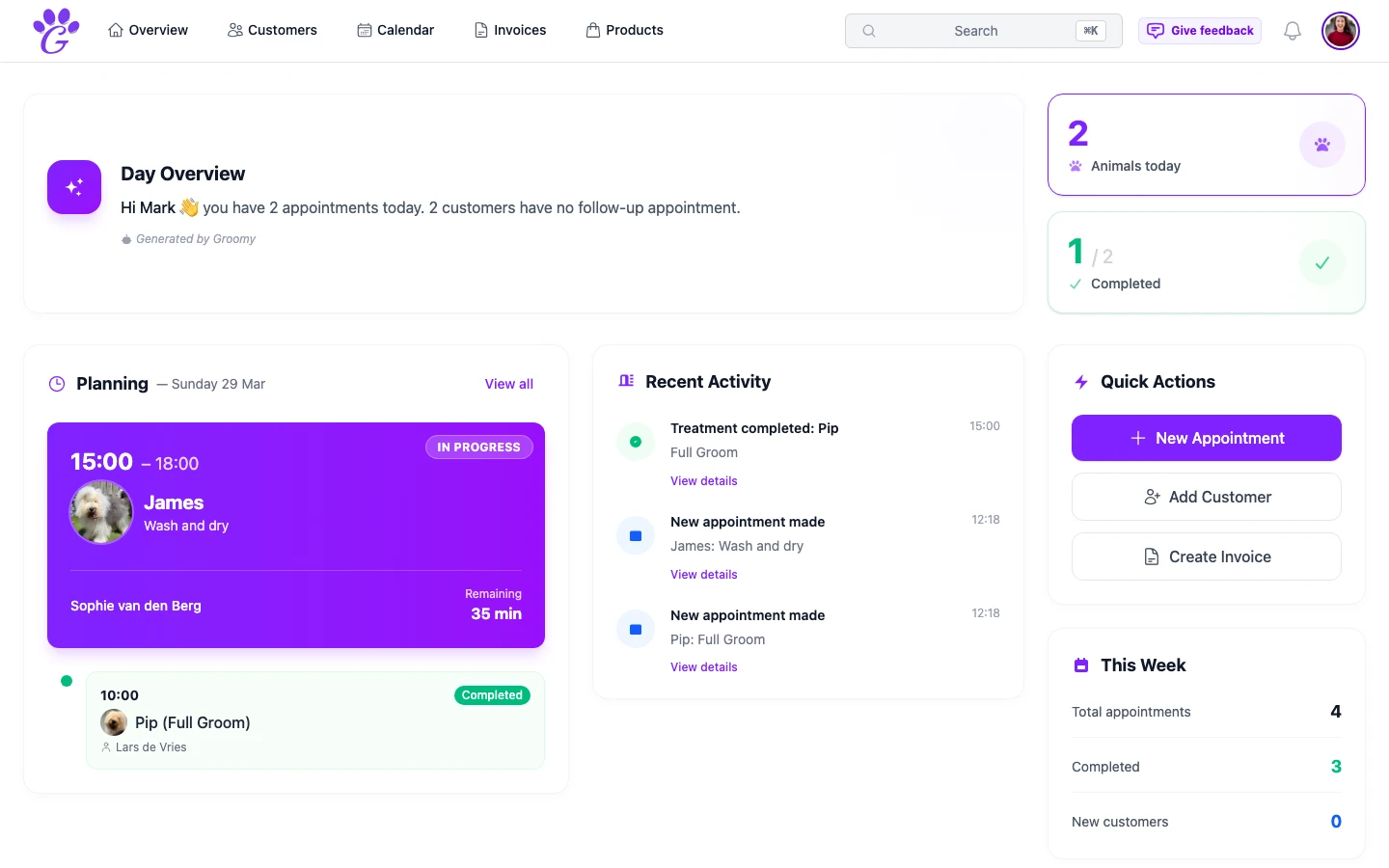
- Revenue context: every invoice feeds the dashboard, so you always know what's been billed this month.
How to get started
You don't have to switch your entire billing flow at once. Most groomers start by issuing digital invoices for new clients and slowly phase out the paper pad for regulars.
- Set up your company details in Settings: name, address, VAT number, company registration number and bank details.
- Check your tax rate. Appointment invoices use one salon-wide VAT rate (21% by default); on manual invoices you can set a rate per line.
- Create the first invoice from an appointment or manually. Save it as a draft, preview the PDF, then email the PDF to the client and mark the invoice as sent.
- Use statuses actively. Mark each invoice paid when the money arrives so outstanding numbers stay real.
After a few weeks, most salons stop printing receipts entirely. Every sale ends with a PDF in the client's inbox and a clean entry in the system: nothing else to file away.
Invoicing isn't the exciting part of running a grooming salon, and that's the point. When it's clean, fast, and automatic, you stop thinking about it, which means you can spend the end of the day with the dogs, not with a pile of pink slips.