What to Look for in Pet Grooming Software (2026) - A Buyer's Guide
A neutral buyer's guide to choosing grooming salon software. The criteria that matter, the questions to ask any vendor, and the red flags to watch for.
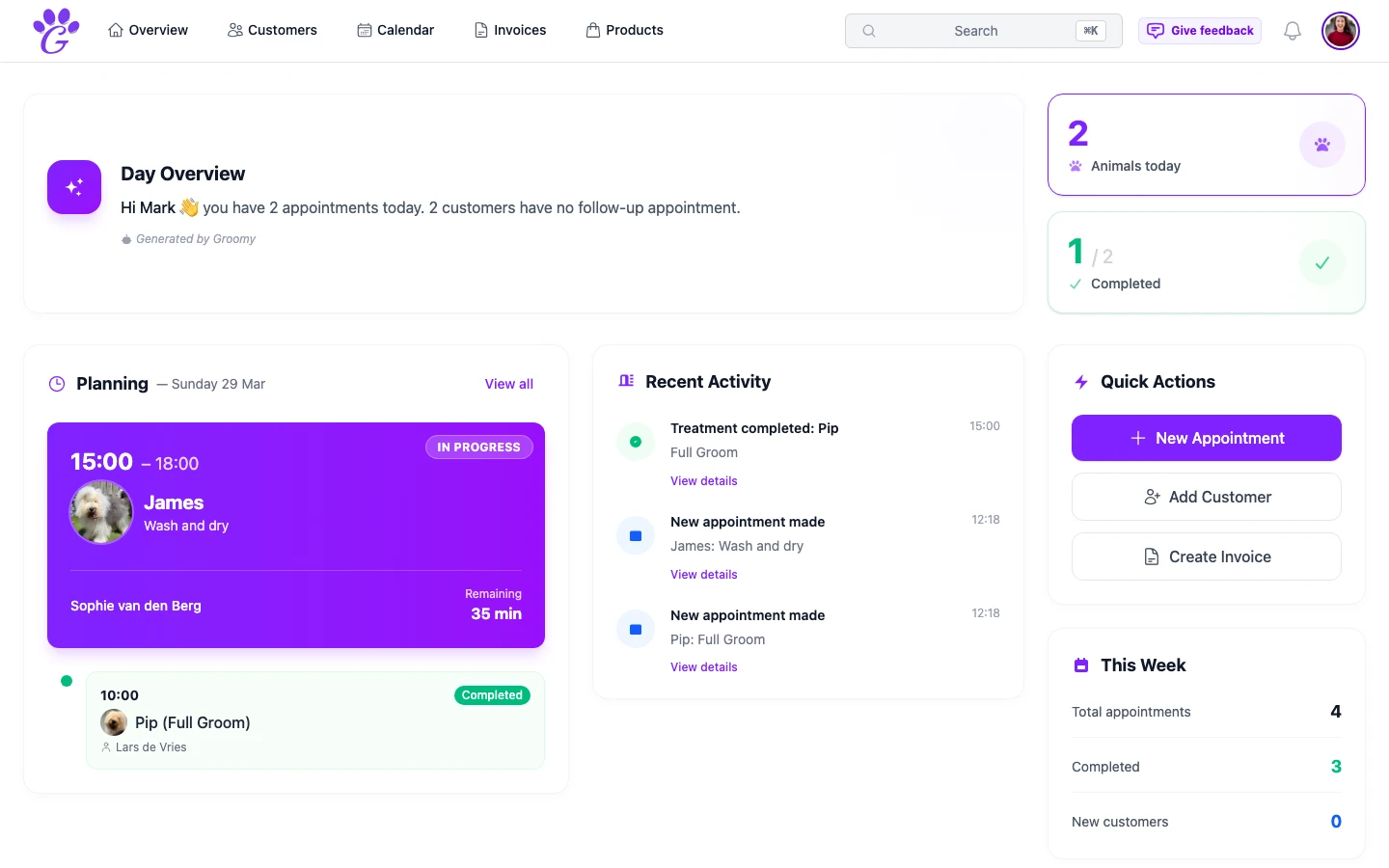
Software for grooming salons exists in a slightly awkward place. Most of the glossy options were built for a different industry (hair salons, massage parlours, yoga studios) and then retrofitted for dogs. A few were built for groomers from the start. The rest are either old, expensive, or both.
This is a neutral buyer's guide. Not a "best of" list; the right tool depends on the size and shape of your business. Instead: the criteria that actually matter, the questions to ask any vendor, and the red flags worth noticing. If one particular product (including this one) checks most of the boxes, that's a bonus. The list stands on its own.
1. Built for grooming, not adapted for it
The single biggest differentiator. Software built for grooming knows about breed, pet-per-customer relationships, medical flags, behavioural notes, and per-breed pricing. Software "adapted" for grooming usually treats a dog as a one-line booking note.
- Can the system link multiple pets to one customer, with separate profiles?
- Is breed a structured field (autocomplete, breed group), or just free text?
- Can you price per breed or breed group, and does that flow to the invoice?
- Are there medical and behavioural flags with an importance level?
If any of these answers are vague, you're looking at a generic tool with a dog-shaped label on it.
2. Mobile experience
Grooming happens on your feet. If the mobile app is a cut-down version, or an afterthought wrapped around a website, that's the single most common source of day-to-day frustration.
- Is there a native iOS app? A native Android app?
- Does the mobile app have the full feature set, or only "view" access?
- Can you take photos directly into pet profiles from the camera?
- Do notifications arrive promptly?
A proper grooming app should feel equally useful at the trimming table and at the back office.
3. Client and pet records
Grooming is a relationship business. If client records are thin, the whole system becomes less useful over time.
- Customer search by name, phone, email, and pet name.
- Vet information per pet.
- Appointment history, notes, and photos attached to the pet.
- Retention/last-visit visibility.
- Medical and behavioural information with importance flags.
4. Appointment calendar
The core of the business. It should know what a grooming day actually looks like.
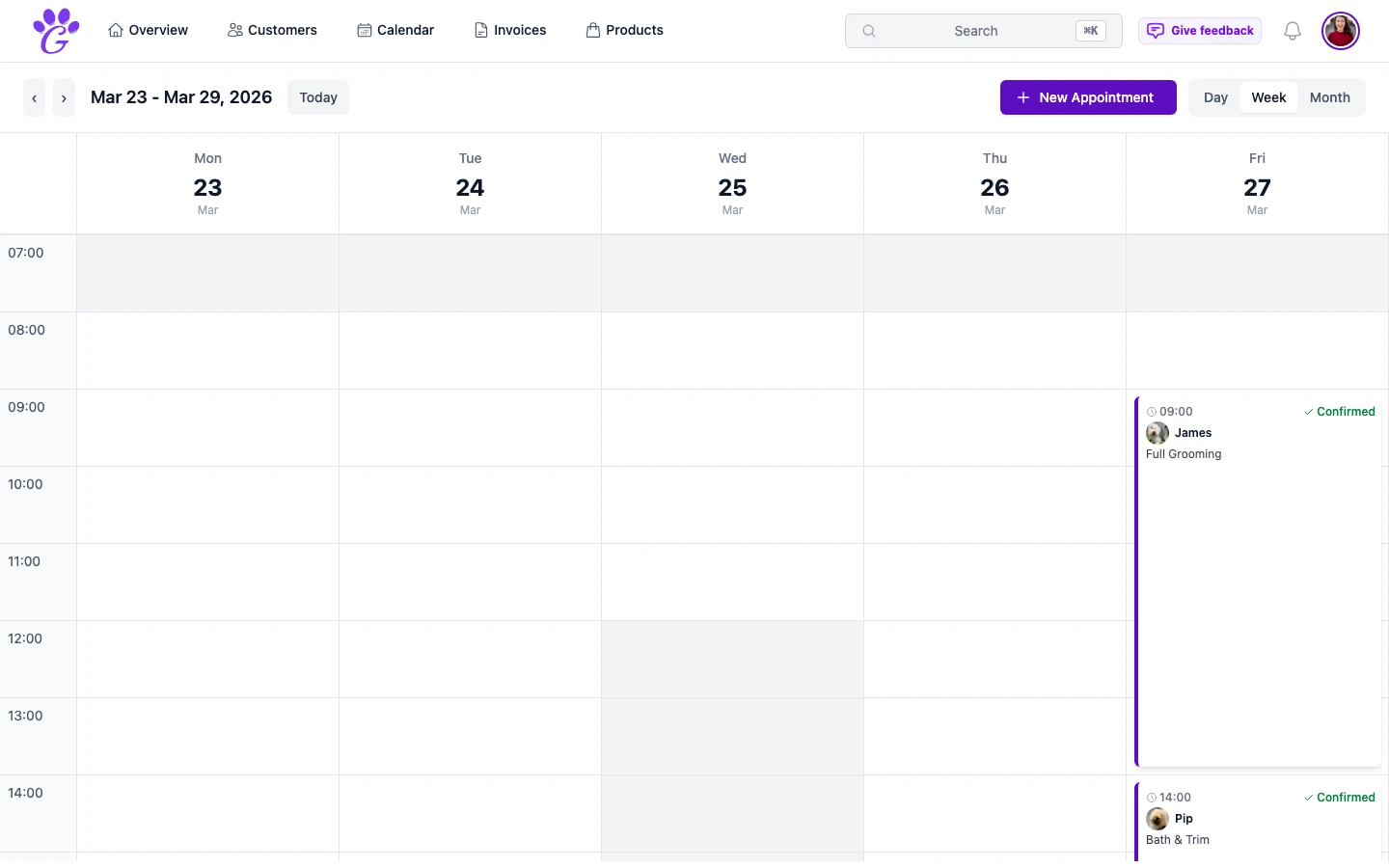
- Day, week, and month views.
- Drag-and-drop rescheduling with conflict detection.
- Per-groomer columns for multi-person salons.
- Appointment status (upcoming, completed, paid).
- Duration driven by service and breed, not a single default.
5. Invoicing and VAT
An invoice is not an afterthought.
- Structured line items with quantity, unit price, tax rate, and optional discount.
- Grand total, subtotal, VAT breakdown (21% in NL, 19% in DE, 20% in UK).
- Invoice statuses: draft, sent, paid, partially paid, cancelled.
- PDF download.
- CSV export for the accountant.
6. Online booking
Clients want to book outside working hours. You can't answer the phone at 9pm on a Sunday. The booking page should be part of the core product, not a bolt-on.
- Public booking page with your branding.
- Service, breed, and coat condition selection.
- Availability calendar reflecting your real hours.
- Customer details captured in one step.
- Immediate confirmation that lands in your calendar.
7. Reminders
The single biggest revenue-saver a groomer can switch on.
- Automated email reminders (SMS soon is fine; SMS never is a yellow flag).
- Customisable timing (day before, morning of, combinations).
- In the customer's language, not yours.
- No manual work once configured.
8. Revenue analytics
Running the business, not just recording it.
- Monthly and yearly revenue views.
- Paid vs outstanding totals.
- VAT summary by rate.
- Top services by revenue.
- Aging analysis for overdue invoices.
9. Multi-user and team features
Even solo groomers should check this, because the wrong answer here is what forces a migration the day you hire.
- Multiple users, each with their own login.
- Role-based access (owner, groomer, receptionist).
- Per-user schedules.
- "My appointments" vs "all appointments" filter.
- Revenue per groomer.
10. Language and market fit
If you're in a non-English-speaking market, the quality of the translation isn't a detail; it's the daily experience.
- How many languages are supported in the interface?
- Are client-facing messages (reminders, booking confirmations) translated?
- Are the translations native quality, or machine-translated? Test it: open the reminder email in your language and read it critically.
11. Data ownership
You created the data. You should be able to leave with it.
- Can you export customers and pets?
- Can you export invoices and revenue data?
- Is the export format useful (CSV, not screenshots)?
- Is there a clear privacy policy? (GDPR compliance in EU markets is non-negotiable.)
12. Support and stability
Finally, the boring stuff.
- Is support included in the price or an extra?
- What channels: email, chat, phone?
- Is there a published uptime record?
- What's the upgrade cadence: does the product improve, or has it been stagnant for two years?
Questions to ask any vendor
Write these down and run through them with anyone you're considering. Their answers tell you more than any demo video.
- Is the product purpose-built for grooming, or adapted from another industry?
- What's the native mobile app experience like?
- Can I price per breed group, and does it flow automatically to the invoice?
- How do automated reminders work, and in what languages?
- Can I invite a second user today, with their own login?
- What data can I export, and in what format?
- What was the last meaningful feature shipped, and when?
- Is support included?
Red flags
Some things, if you see them, should raise your eyebrows.
- The demo only shows desktop; the mobile app isn't mentioned.
- "Dog grooming" is listed as one industry among twelve on their website.
- Reviews mention slow support and long waits for basic questions.
- Pricing isn't on the website; you have to "book a call" to get a number.
- The product hasn't had a feature update in over a year.
How to test
Don't choose from a landing page. Run a real trial.
- Try it with real bookings. A week of actual appointments is worth more than an hour of demo.
- Use the mobile app. Between dogs, not at the desk.
- Send a real invoice. Watch how a client responds.
- Turn on reminders. Measure your no-show rate.
- Ask a question of their support. See how they reply.
The "best" grooming software doesn't exist; the right grooming software for your salon does. Work the list, ask the questions, and trust the real-world trial more than the sales pitch. A confident buyer is a happy user, and you've now got the checklist to be both.