Pet Grooming Software vs. Google Calendar (2026) - When to Make the Switch
Google Calendar is a great first step. Here's where it stops fitting a grooming business, and what to look for in a proper grooming tool.
Google Calendar is a genuinely good first scheduling tool. Free, familiar, works on any phone, syncs between devices. Most groomers who've moved off paper moved to it first, and quite reasonably. It's only fair to start any comparison by acknowledging that.
But Google Calendar is built to schedule people's time, not a grooming business. There's a line where "nice simple tool" turns into "quietly holding me back", and the trick is recognising which side of the line you're on.
What Google Calendar does really well
Let's be fair to it. For the right size of business, it genuinely is enough.
- Instantly familiar. Anyone can add an event.
- Sync everywhere. Phone, laptop, tablet, browser; always up to date.
- Reliable. Downtime is rare; your calendar is basically always open.
- Integrates with personal life. One calendar for appointments and birthdays and school pick-ups.
- Free. Which, for a solo groomer with twenty regulars, is a genuine advantage.
If that's your business, there's no urgency to move.
Where Google Calendar starts to leak
Google Calendar was written for knowledge workers. A grooming day isn't that. The gap shows up in a handful of predictable places.
- No client records. A calendar event isn't a customer profile. You can type a phone number in the notes, but you can't link "this appointment" to "this dog with this medical history".
- No pet records. No breed, no medical flags, no behavioural notes. The sort of things you absolutely need before picking up the clippers.
- No invoicing. Google Calendar doesn't issue invoices, track VAT, or know what you're owed.
- No breed-based pricing. A calendar event has a title; it doesn't know a Doodle full groom costs more than a Yorkie bath.
- No online booking. Clients can't self-book into a Google Calendar. You either take the call, handle email, or set up yet another tool.
- No automated client reminders. You can set a reminder for yourself; you can't automatically send the client a day-before email reminder in Dutch.
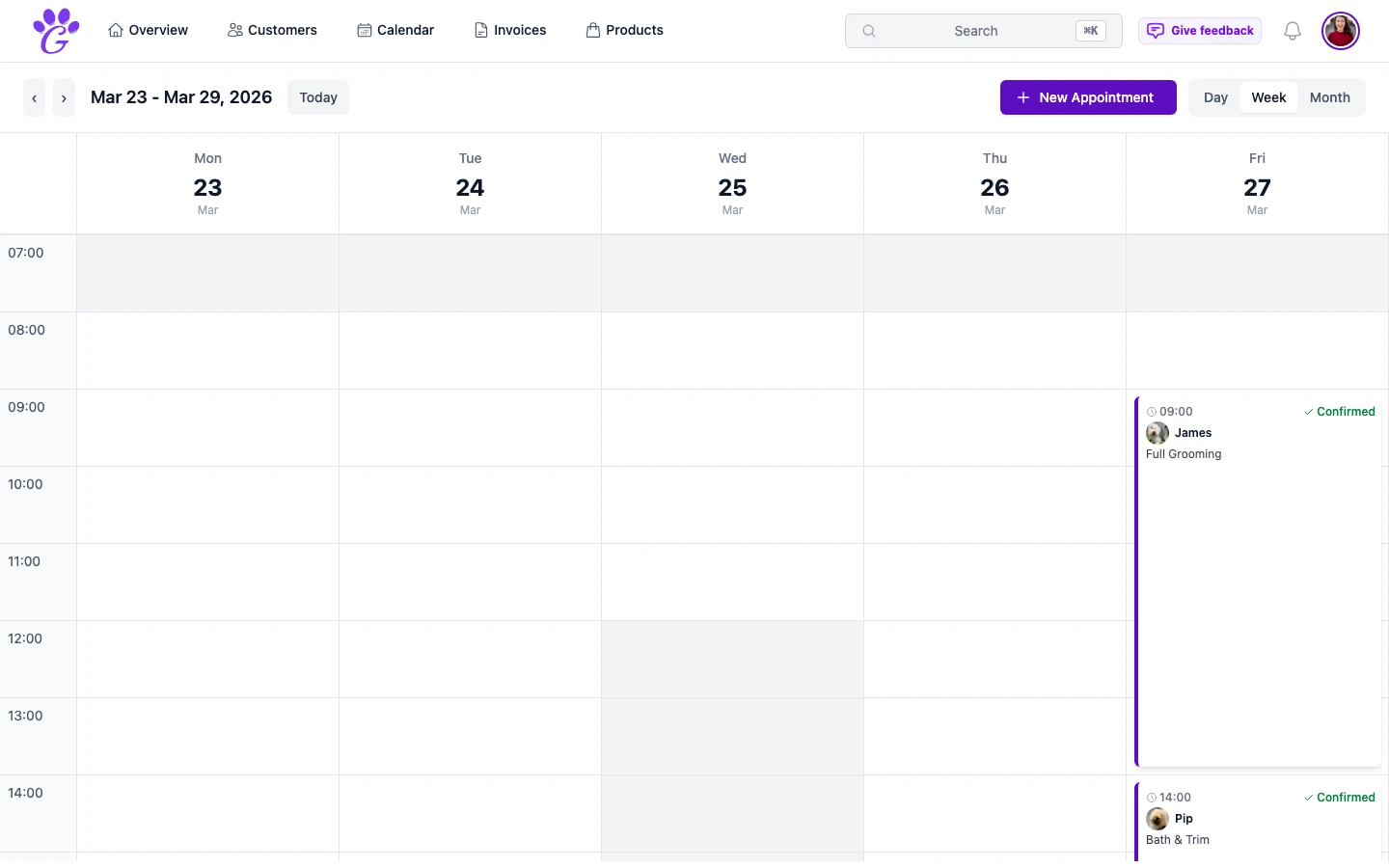
- No grooming-specific views. A week view is a week view; you don't get a groomer filter or status tracking on appointments.
- No revenue picture. You can't answer "was this month better than last?" from a calendar.
Any one of these is manageable with a workaround. Two or three workarounds stacked up, and you've effectively rebuilt a worse version of purpose-built software.
The "switch point"
Most groomers know when they've hit it, even if they haven't named it yet.
- You're turning away clients because you can't keep up with scheduling.
- You've started keeping a separate document for customer info.
- You're manually reminding clients the day before.
- You've double-booked because someone edited the same event as you.
- Your partner or second groomer is editing the calendar, too.
- You can't say how your month went without doing maths.
- Your tax return is a guessing game.
Two of these and your calendar is an obstacle. Three and it's actively costing money.
What a grooming-specific tool adds
It's not just "a nicer calendar". It's a different category of thing, because it knows your business.
- Customers and pets as first-class records. Search, link, update, and carry history across appointments.
- Breed-aware pricing and booking. Set prices per breed, and when clients book online, a Doodle automatically gets a longer slot than a Yorkie.
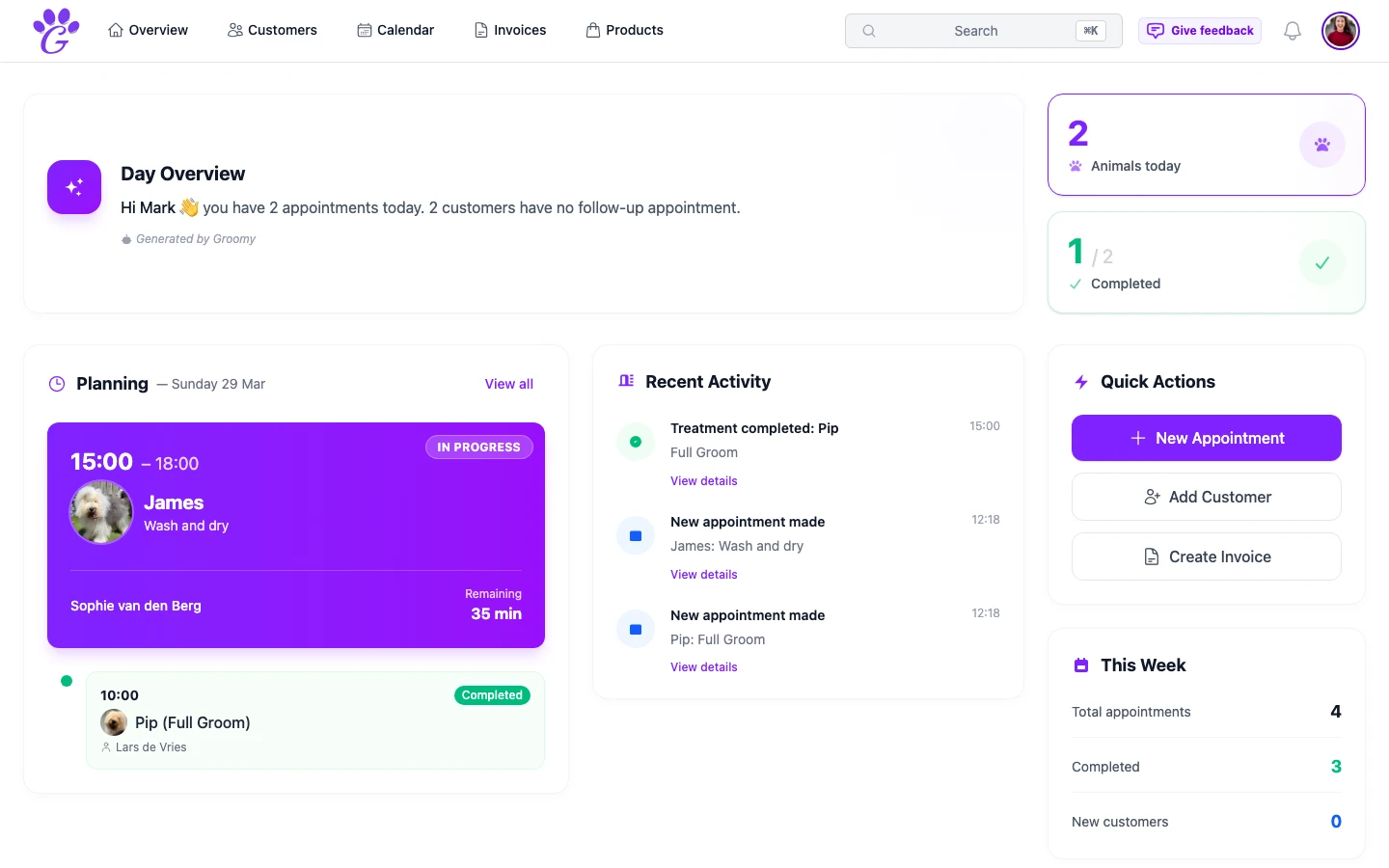
- Invoices that feed revenue reports. Every completed booking can become a line on an invoice, and every invoice feeds a monthly dashboard.
- Automated reminders. By email, with SMS as a paid add-on. Set once, run forever.
- A groomer filter. Every appointment shows who it's assigned to, so a multi-person salon doesn't break the schedule.
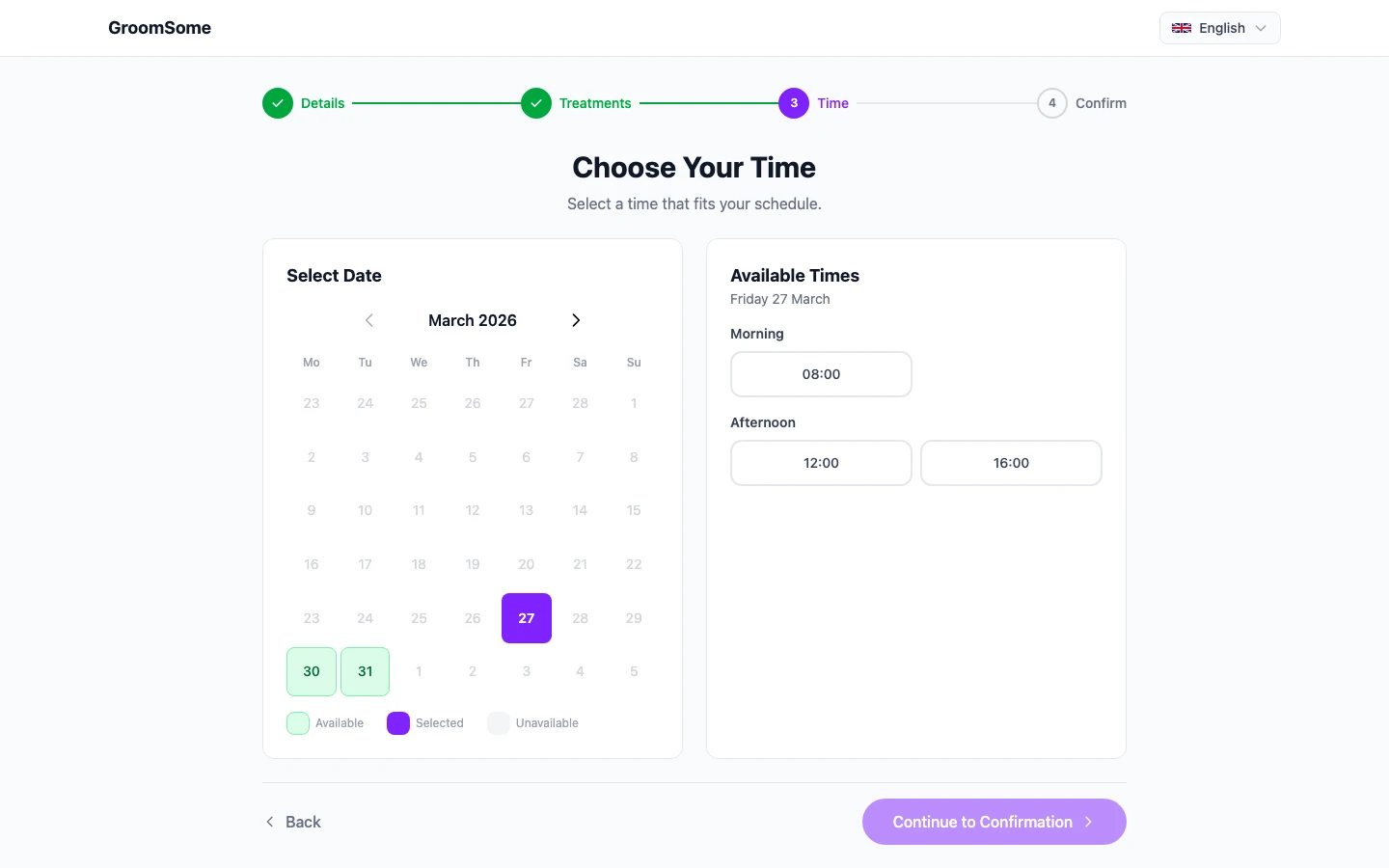
- Online booking. Clients self-serve, your calendar fills itself in the background.
- Photos on pet profiles. Before/after shots where they actually belong.
- Mobile-first reality. The app works in your hand, between dogs.
Where Google Calendar still fits
You don't have to abandon Google Calendar. Most groomers keep it: for personal life, for the odd supplier meeting, for the non-grooming things a diary is still great at. The trick is separating what goes where.
- Personal calendar → Google Calendar. Birthdays, school pick-ups, the dentist.
- Grooming business → purpose-built grooming software. Bookings, customers, pets, invoices, reminders.
- Two-way sync: if grooming software supports it (GroomSome does), you can see grooming bookings in Google Calendar without running the business from there.
That way you don't lose any of the convenience of a personal calendar, and you stop trying to run a grooming business out of one.
How to make the switch cleanly
You don't have to rip the bandage off. A two-week overlap is plenty.
- Keep Google Calendar as your personal calendar.
- Start putting new grooming bookings into a dedicated salon tool. Existing events stay put for a fortnight.
- Turn on a two-way sync so grooming bookings appear in Google Calendar too. That softens the transition.
- Move client and pet info into proper records as you go, not in one batch.
- Turn on reminders and online booking. This is where the new tool starts earning its keep.
- After two weeks, phase out the grooming side of Google Calendar. Leave the personal events.
Google Calendar is great at what it's designed for: keeping people's time visible. A grooming business needs that too, but it also needs client records, pet history, breed-aware pricing, automated reminders, and an honest revenue picture. When you're ready for those things, you'll know, and the switch is much smaller than you expect.