5 Signs You've Outgrown Your Spreadsheet as a Pet Groomer (2026)
Your spreadsheet got you this far. Here are five honest signals that it's now holding your grooming business back, and what to replace it with.
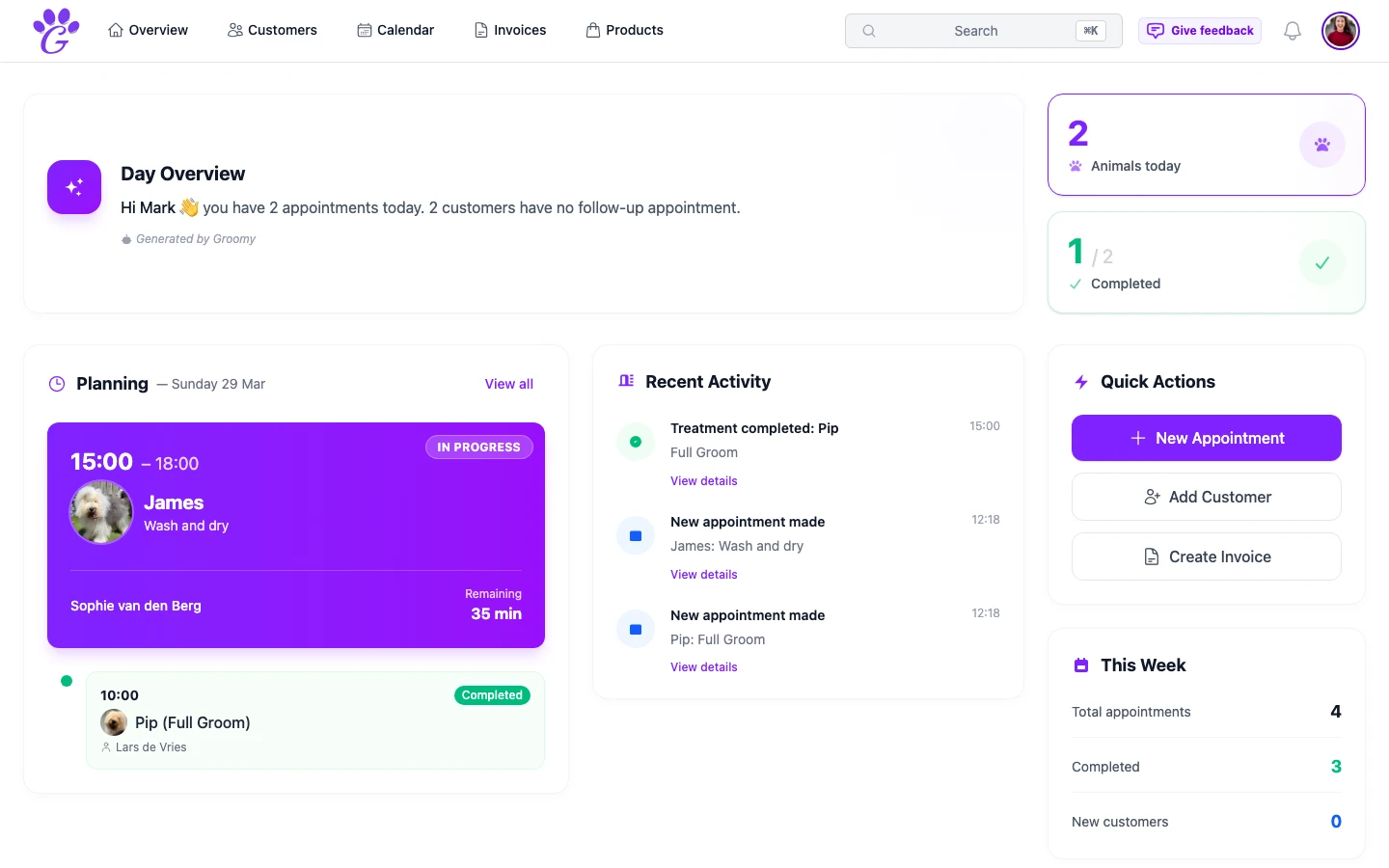
A spreadsheet is the second system most grooming salons build, right after the paper book. It looks like progress: you can sort, you can search, you can make totals add up. For a while it works. Then, very slowly, you start using it at least as much to patch problems as you do to run the salon, and that's the moment to notice what's actually going on.
This isn't a case against spreadsheets in general. It's a short honest checklist of specific things that, when they start happening, mean the sheet has stopped helping and started leaking.
Sign 1: You've double-booked from a copy-paste error
You had a plan. You copied last week's rows to this week. One row didn't get its date updated, or a formula didn't drag cleanly, and suddenly two dogs are booked into the same Saturday morning slot. Everyone's polite about it when you find out, but you rebook someone with an apology and a small discount you didn't intend to give.
This is the first sign. It's not about how careful you are; spreadsheets don't have conflict detection. Purpose-built scheduling shows two dogs in the same slot side by side the moment it happens, and its online booking never offers a slot that's already taken.
Sign 2: You can't find a client's last visit
A client phones. "Hey, it's Marta, can I book the same as last time?" You open the sheet. You search. You remember "Marta" but not her surname. You scroll. Five minutes later you have a date. Maybe.
Searchable customer and pet records (with the full visit history, vet info, medical notes and photos) exist in every proper grooming tool. The cost of not having them is that every returning client asks you a question your software should have answered.
Sign 3: Your "accounting" is a folder of screenshots
At the end of the month, your bookkeeping process involves opening a sheet, taking screenshots of a few cells, maybe adding handwritten totals in the margin, and emailing all of that to your accountant. Your accountant doesn't complain, but they also invoice you for extra time every quarter.
A proper invoicing system gives you structured invoices, a VAT summary, a paid/unpaid status, and a one-click CSV export. Tax season becomes a morning, not a week.
Sign 4: A second person joins and everything gets messier
A spreadsheet was written for you. The moment your colleague (or partner, or new hire) starts editing it too, you get conflicting saves, accidental overwrites, or a version tree of "schedule_final_v3_actuallyfinal.xlsx" variants. Shared spreadsheets work for a month; multi-user grooming software works for years.
- One shared calendar you can filter by groomer.
- Appointments tagged to the groomer who's doing them.
- A calendar filter so each groomer can see their own day, and the owner sees the whole salon.
- Revenue per groomer, automatically.
Sign 5: You don't actually know if this month was better than last
Your sheet has a total. Maybe it's current, maybe it isn't. You feel like you were busy, but you can't say whether you earned more than September last year. The next month starts, you don't know what changed, and you repeat.
Proper revenue analytics isn't fancy; it's just a dashboard that adds up your invoices in real time, breaks down VAT by rate, and flags what's overdue. But it's the difference between running a grooming business and just working hard inside one.
What to replace it with
You don't have to move to something huge. A good replacement for a spreadsheet does exactly what the sheet was trying to do, minus the breakage.
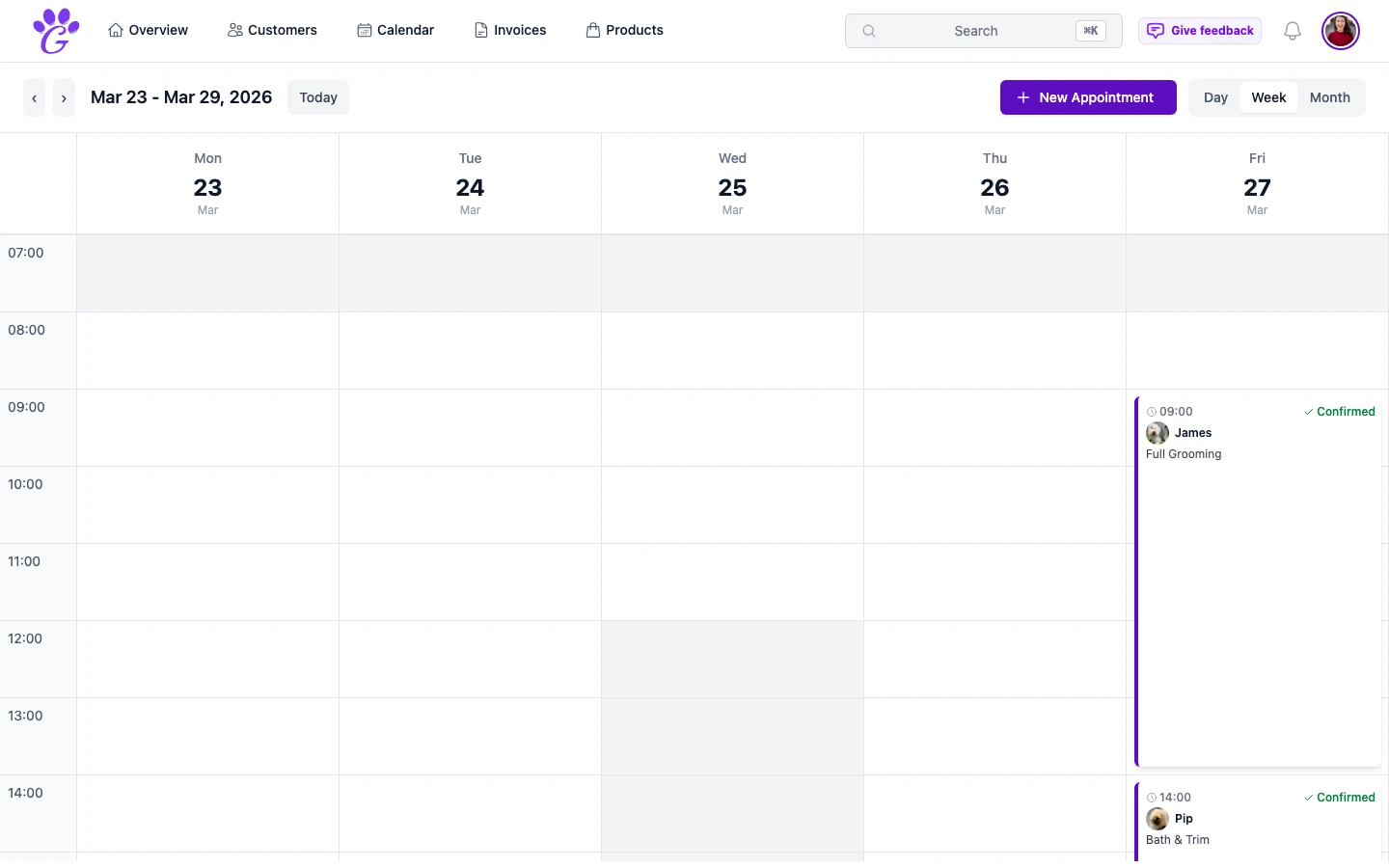
- A real calendar. Day, week and month views, and online booking that never offers a slot that's already taken.
- Customer and pet records. Searchable, with history, notes, vet info, photos.
- Invoicing with VAT. Digital, PDF-ready, accountant-ready.
- Reminders. The feature that reduces no-shows without you managing it.
- A dashboard. So you can stop guessing whether this month was a good month.
- Multi-user, ready in advance. Even if you're solo today.
That's it. Nothing exotic.
When to make the move
The signs above are a useful self-check. Any two of them, consistently, and the spreadsheet is actively costing you money. Three or more, and the spreadsheet is holding the business back, not helping it.
- Be honest. Count the signs. Not optimistically.
- Start in parallel. Don't delete the sheet. Run something new alongside for two weeks.
- Move the calendar first. It's the highest-leverage switch and the easiest to feel.
- Add customers and pets over the next fortnight. Mostly as they book.
- Turn on reminders on day one. This is where the business case appears first.
There's nothing wrong with your spreadsheet. It did the job it was designed for. But if more and more of your week goes into keeping the sheet working (instead of the sheet working for you) that's a signal worth acting on. The goal isn't to admire the tool; it's to spend your week grooming, not patching.