Business Hours - Control When Clients Can Book
Configure opening hours per day, per-user schedules for multi-groomer salons, and rules that stop online bookings outside your working time.
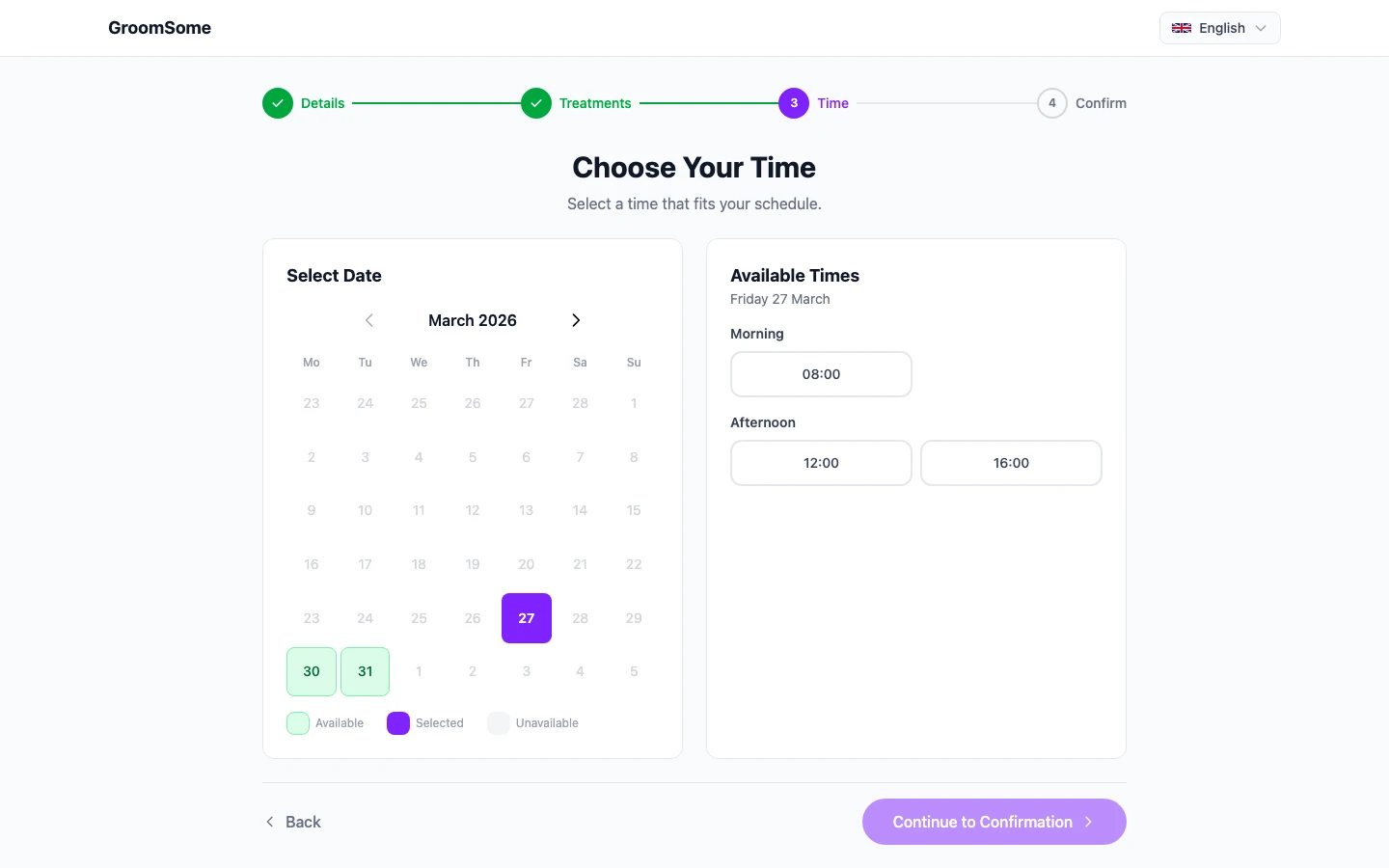
Every grooming salon has its own rhythm. Some open at 8, some at 10. Some close for lunch, some don't. Some close on Mondays. Some do a half-day on Wednesday because the kids finish school early. A scheduling tool that doesn't know any of that will cheerfully let clients book at 7am on a Sunday, leaving you with an awkward message the next morning.
Business hours configuration is the unglamorous but essential foundation of online booking and the whole calendar working correctly. Once it matches your actual week, everything else just works.
What are business hours in GroomSome?
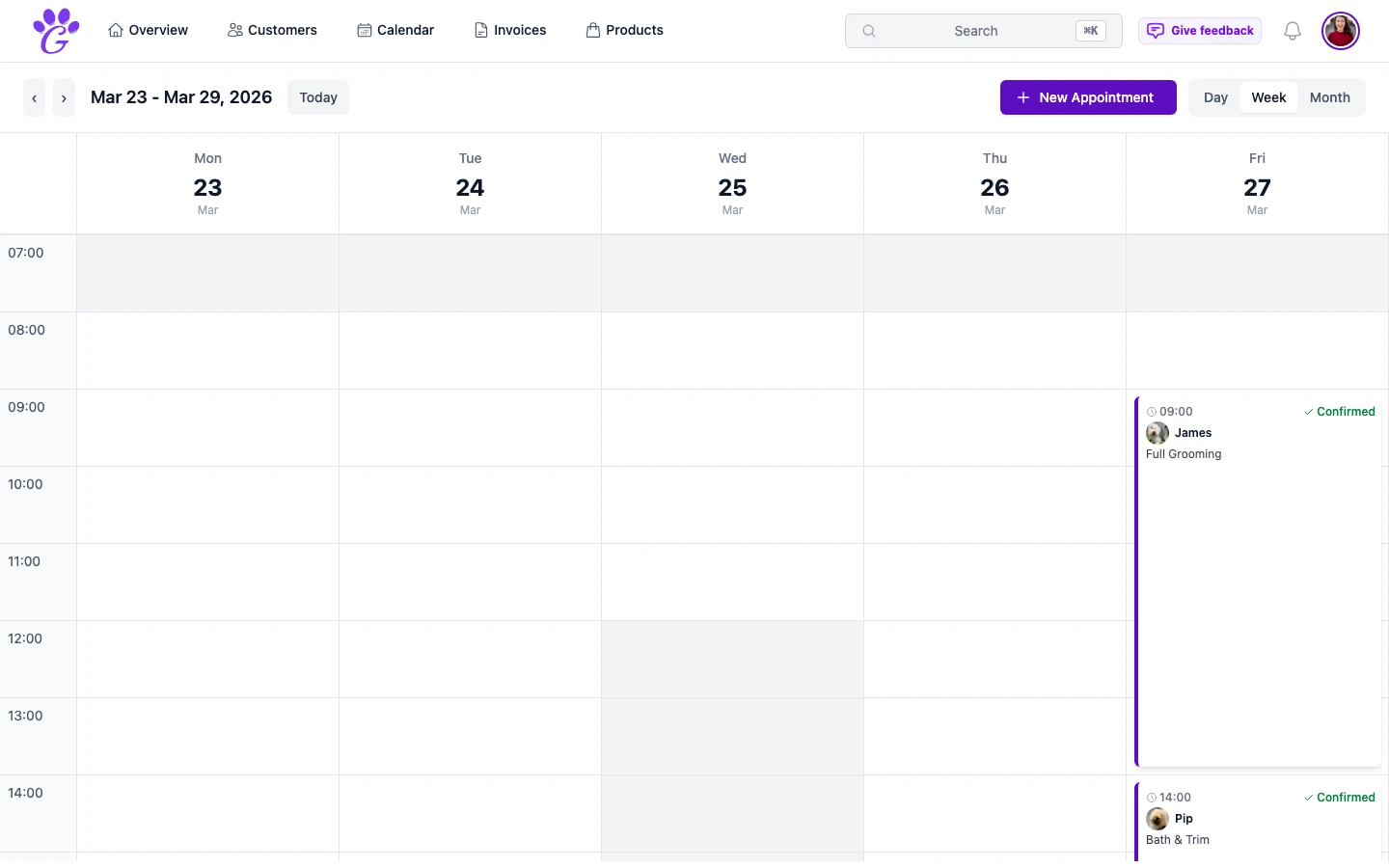
Business hours are the structured definition of when your salon is open for bookings. Day by day: open or closed, start time, end time, optional lunch break. Optional per-user schedules if you have multiple groomers. The online booking page only offers times inside these hours, and the calendar shades the hours you're closed and warns you when an appointment falls outside them.
You set it once. When something changes (extended hours for holidays, a new late-opening Thursday) you update the rule and everything recalculates automatically.
Why configuring business hours matters
A correct setup removes a whole category of small annoyances.
- No bookings when you're closed. Clients simply don't see slots outside your hours. No need to cancel anything apologetically.
- Accurate calendar view. You don't scroll past empty hours you'd never have filled anyway.
- Per-groomer truth. A part-time groomer doesn't get booked online on her days off.
- Holidays and closures are clean. Time off in a groomer's schedule closes those days for online booking.
- Staff clarity. Everyone knows what "open" and "closed" mean because it's visible in one place.
Key capabilities
- Operation hours per day: different start and end times for Monday vs Tuesday vs Saturday.
- Operation days toggle: close Sundays, or Mondays, or whichever days you don't open.
- Lunch break: many salons close from 12:00 to 13:00 for a breather; the booking page respects it.
- Per-user schedules: each groomer has their own hours; the booking page only offers times when that groomer is working.
- Show or hide non-operation days: hide Sundays entirely from the week view if you never work them.
- Time off: each groomer marks holidays and days off (bank holidays, family events, training days) in their schedule, and online booking skips them.
How to set it up
Fifteen minutes, maybe twice a year when something changes.
- Go to Settings → Appointments.
- Mark your operation days. Sunday closed, Monday closed (if that's your day off), etc.
- Set start and end times per day. Different days can have different hours.
- Add lunch breaks if you take them.
- Configure per-user hours if you have a team; online booking uses them.
- Test on the booking page. Go to your public booking page and confirm the slots match reality.
If you extend hours during December, come back and update the rules for that period. Don't leave permanent "8pm" open if you only do it in the rush.
Common mistakes
- Forgetting to set a lunch break. Online clients will cheerfully book 12:45 if you don't block it. You'll be eating a sandwich while grooming.
- Not updating hours for seasonal changes. Summer hours are often different from winter. Both should be configured, not left as last year's.
- Per-user hours that don't match reality. A groomer who's in three days a week but marked as five gets booked on non-working days.
- One-off holidays left unmarked. Bank holidays, training days, a family wedding; all need to be blocked explicitly or a reminder goes out and you're in the salon.
- Extending hours in your head but not in the system. "I'll just open an hour later this week" is fine for you, but the booking page still shows 8am.
Business hours configuration is the least exciting setup in a grooming salon's software. It's also the one that most quietly protects your week. Five minutes up front saves a surprising amount of "can you still do Saturday? I thought you were closed?" conversations later, and the booking page stops making promises you can't keep.