Company Branding - Customise GroomSome to Match Your Salon
Upload your logo, add your salon's details, and put your salon's name on the booking page, invoices, and client-facing messages.
A grooming salon is a personal business. Your logo, your colour scheme, your tone: these are how clients recognise and remember you, on your door, your van, your Instagram, and your booking page. Software that bolts a generic SaaS brand onto every client-facing touchpoint subtly undermines all of that. The best setups are ones clients barely notice, because the whole experience looks like your salon, not like "some grooming software".
Branding customisation in GroomSome is the quiet layer that makes everything client-facing look like it belongs to you: the online booking page, the reminder emails and the invoice PDFs.
What is branding customisation in GroomSome?
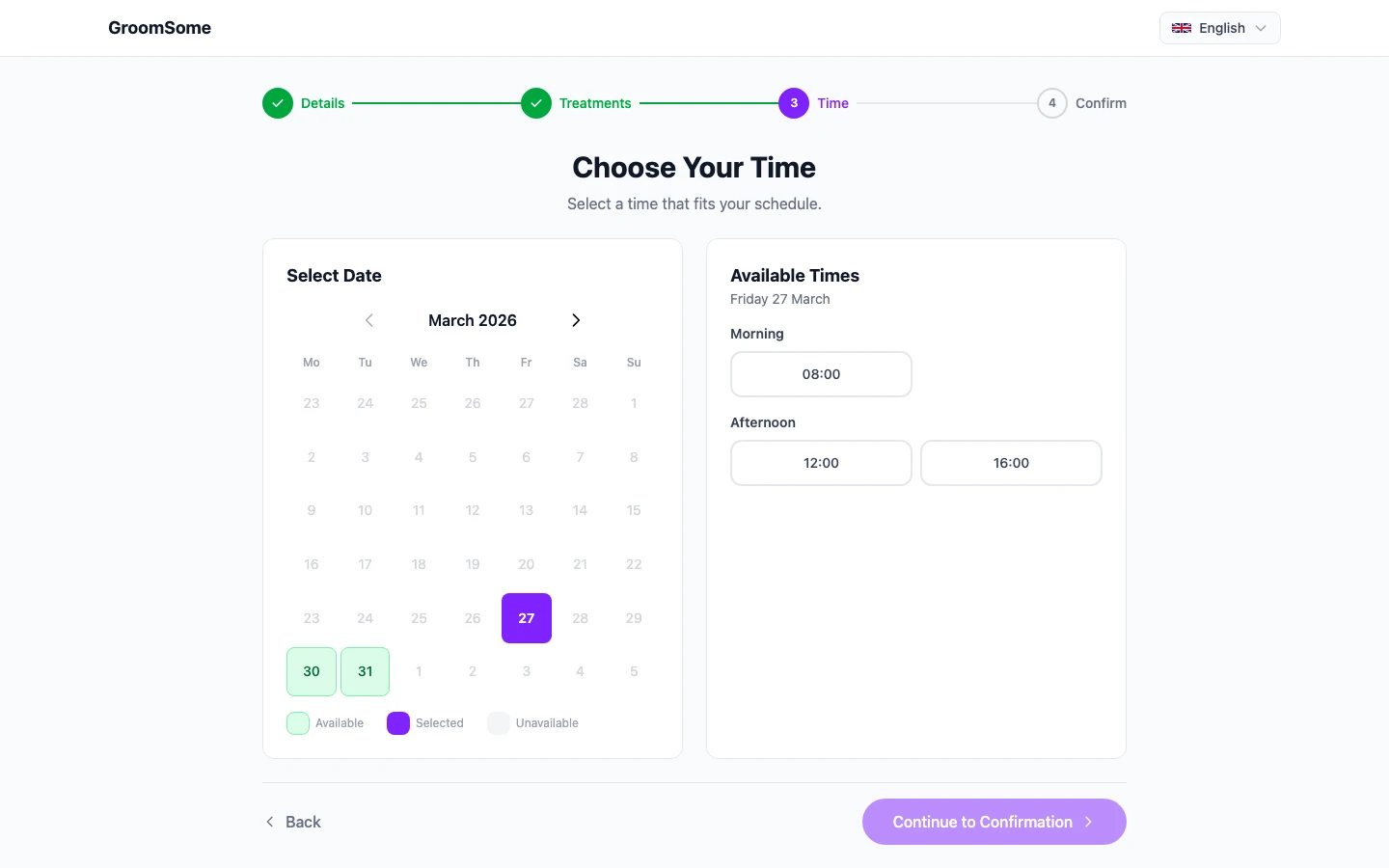
Branding customisation is the set of settings that put your salon's identity on the parts of GroomSome your clients see: your logo on the booking page, and your salon's name and contact details on the booking page, on invoices and in reminder emails.
Internal screens (calendar, customer records, reports) stay functional and neutral, because that's where groomers and staff work. Customer-facing surfaces get your brand, because that's where clients form their impression.
Why branding matters for grooming salons
A consistent brand feels like a small detail until you notice its absence: a booking page with a generic template, an invoice PDF that looks like a tax form. Each of those quietly tells a client you're one of many salons using the same off-the-shelf tool.
- Professionalism on day one. A branded page signals that the salon takes itself seriously, before the client ever meets you.
- Trust with new clients. First impressions matter, and the booking page is often the first impression.
- Recognition across touchpoints. Your Instagram, door, van, and booking page all carry the same visual identity.
- Word of mouth works harder. "Have a look at their booking page" lands differently when the page looks polished.
- Loyalty. A consistent, polished brand subtly reinforces the value of the service every time a client interacts with it.
Key capabilities
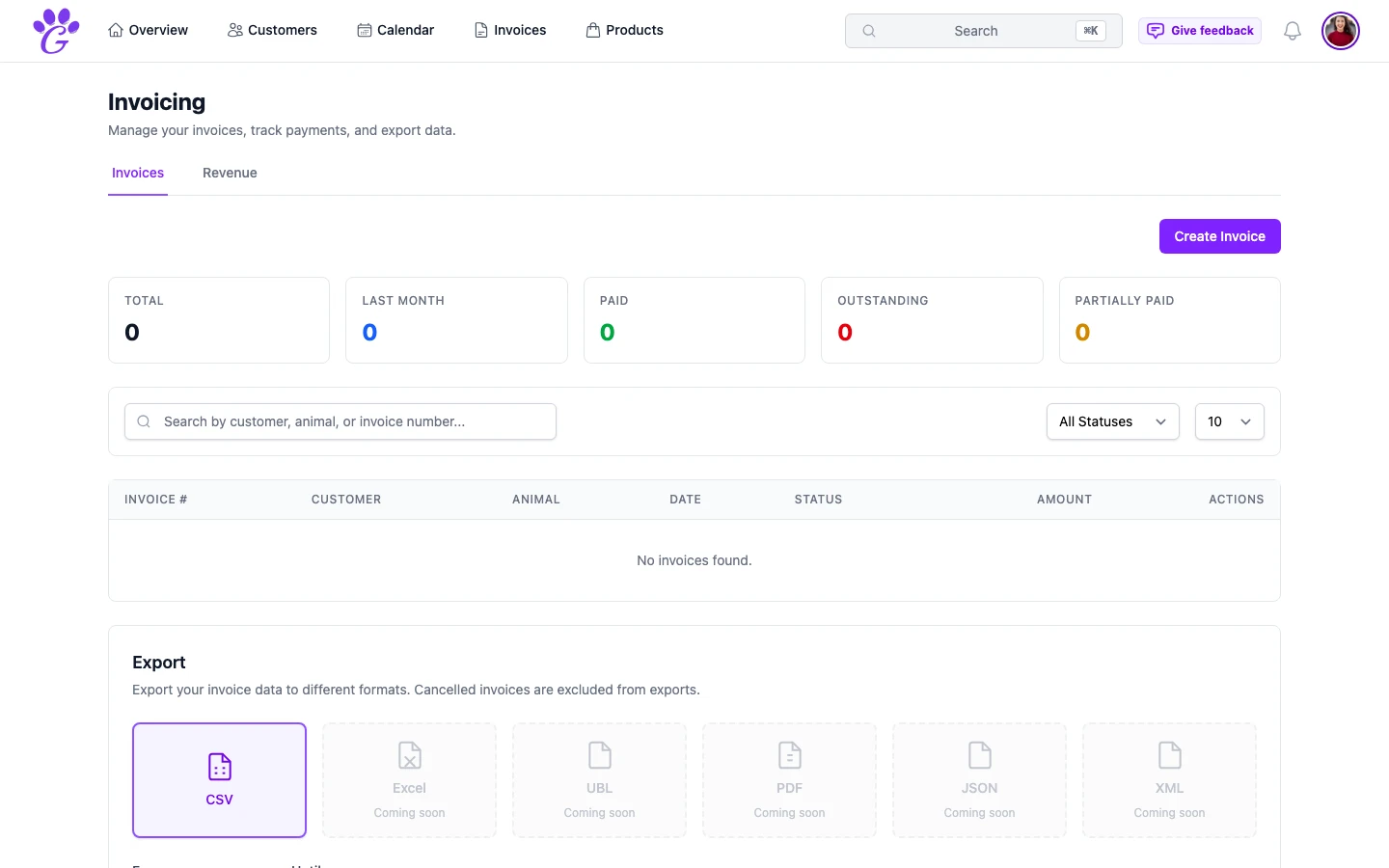
- Company logo upload: appears on the online booking page.
- Salon name and contact info: on the booking page and your invoices, and in reminder emails wherever you place them in the template.
- Booking page services: the services clients can book, under the names you give them.
- Consistent across outputs: your salon's name appears on the booking page, in confirmation and reminder emails, and on invoice PDFs.
- Language-aware: branding stays consistent while the language switches per customer.
How to set it up
Fifteen minutes, once. Updates are rare unless you rebrand.
- Go to Settings → Online Booking.
- Upload your logo. PNG with a transparent background. Around 400×400 is ideal.
- Name your services the way you'd say them to a client; those names are what the booking page shows.
- Check the booking page in an incognito window. That's exactly what a client sees.
- Download a test invoice. Confirm your salon's name and details look right on the PDF.
If you have a team, share the final brand settings with them so nobody accidentally edits them later.
What to avoid
- Three different logos across the business. Pick one, use it everywhere.
- Service names that sound corporate. You're a grooming salon. Sound like one.
- Forgetting to update your logo if you rebrand. A salon that changes its colour scheme and doesn't update the booking page looks half-finished.
Branding is a small thing done well that has a surprisingly large effect on how professional a salon feels. Clients don't consciously notice a well-branded booking page; they just feel it. Five minutes of logo upload and salon details is enough for the rest of your year's client-facing experience to carry your name properly.