7 Languages - Software That Speaks Your Language
English, Dutch, German, French, Spanish, Italian, Hindi. Per-user interface language, reminder templates in all seven, and Dutch or English set per client.
Pet grooming doesn't exist only in English. A salon in Amsterdam has Dutch clients and English expats. A salon in Berlin has German clients and a steady stream of French and Italian speakers. A mobile groomer in Brussels deals with three languages before lunch. Software that only speaks English forces either the groomer or the client to give up their natural language, and the result is almost always a worse experience for someone.
Multi-language support done properly doesn't just translate buttons. It sends the right client-facing message (a booking confirmation, a reminder, a receipt) in each client's preferred language, automatically. That's where the real value sits, and where most grooming software quietly underinvests.
What is multi-language support in GroomSome?
GroomSome supports seven languages natively: English, Dutch, German, French, Spanish, Italian, and Hindi. Every user chooses their interface language, and clients can switch the booking page to any of the seven. Reminder and confirmation templates exist in all seven languages; on each customer record you set Dutch or English.
The translations are written for each market, not a word-for-word pass of the English. They reflect how groomers and clients actually speak in each market ("trimsalon", "Hundesalon", "toilettage canin") not a literal translation of English that would read like a form letter.
Why multi-language matters
Languages are a loyalty signal. A client who receives a reminder in their own language feels seen. A client who gets a confirmation in a language they don't use well quietly disengages, not because they can't understand, but because it signals that they're an afterthought.
- More bookings. A booking page in the right language converts better. Always.
- Better retention. Reminders and confirmations in the client's language feel personal.
- Fewer misunderstandings. A reminder in the wrong language increases the chance of a client ignoring it, which contributes to no-shows.
- Broader reach. You can market to French, Italian, or Spanish-speaking communities without worrying about language fit.
- Staff comfort. Groomers can work in their own language even if the client base is multilingual.
Key capabilities
- 7 languages native: English, Dutch, German, French, Spanish, Italian, Hindi.
- Per-user interface language: each team member picks their own.
- Per-customer language: Dutch or English, stored on the customer record.
- Client-facing templates in all seven languages: booking confirmations and reminders.
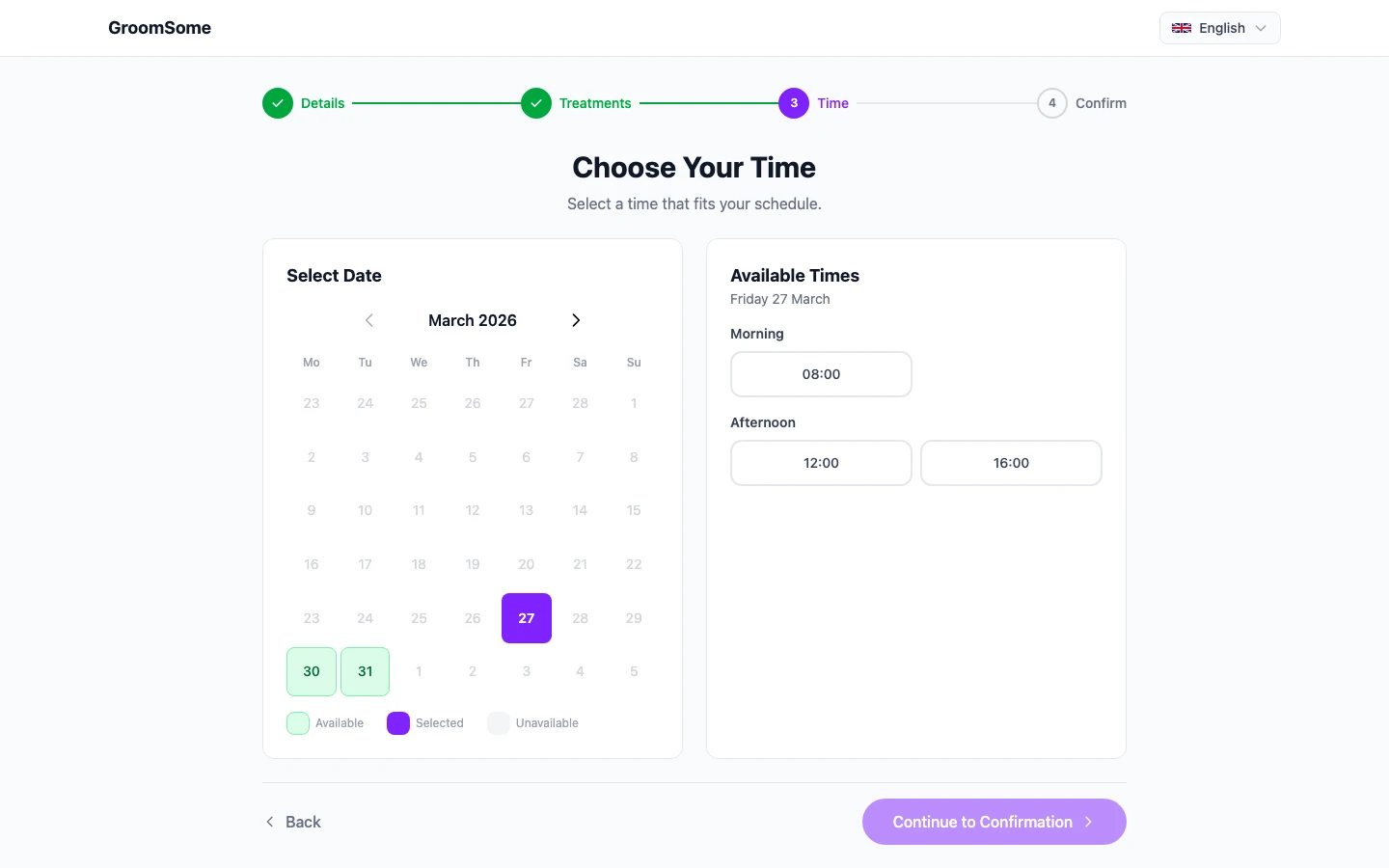
- Booking page language switch: clients pick their language on the page, from all seven.
- Written for each market: trade terms, not a word-for-word copy of the English.
- Expandable: new languages can be added; current support reflects the actual user base.
How to set it up
Fifteen minutes once, then zero ongoing effort.
- Set your own interface language. Whatever you prefer to work in.
- Check each new customer's language. The customer record offers Dutch or English; pick the one the client prefers.
- Update existing customer languages. Quick pass through the customer list; most are obvious from their name or notes.
- Test a reminder. Preview the template in each language you use and send yourself a test, to confirm it reads naturally.
After that, multi-language support handles itself. Reminders go out in the language on each customer record; nobody has to think about it.
What to watch for
- Names in the wrong-language record. A client called Jean-Baptiste who's stored as "English" by accident will get English reminders. Fix manually.
- Interface vs customer language. You can work in Dutch while a customer gets English reminders. Don't confuse the two.
- Tone of voice. Some languages use more formal address by default (Sie vs tu). Check that the tone matches how your salon actually speaks.
Language is the quiet part of customer experience. A client who receives their messages in their own language doesn't say "thank you for the Dutch email"; they just feel that the salon knows them. A small, one-time setup delivers that feeling for every client, every reminder, for years.